Hospitality, digitized
Guests scan. Orders flow. Service responds.
QR-driven ordering, shared cart sessions, real-time kitchen boards, and instant service requests — no app downloads, no friction.
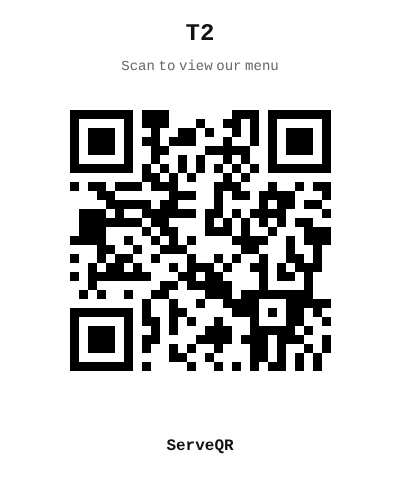
Scan with camera
Open your phone camera, scan the QR, and order from the demo menu.
Capabilities
One scan unlocks the full experience
Instant digital ordering
Guests scan a QR code at their table, browse the live menu, customize items with modifiers, and submit orders directly to the kitchen — no wait, no app install.
Shared cart sessions
Everyone at the table joins the same session. Add items to a shared cart, see live updates across all devices, and submit as a group.
Real-time kitchen boards
Orders stream to the kitchen instantly. Staff claim, prep, and mark ready — every status change is visible to the guest in real time.
Service requests
Call a waiter, request the bill, or trigger hotel services — all from the guest screen. Staff are notified instantly and claim the request.
Live menu sync
Mark an item out of stock and it greys out across every open guest screen in seconds. No stale paper menus, no disappointed guests.
Flow
Three steps, zero friction
Guest scans QR
Each table or room has a unique QR. One tap opens the digital menu — no download, no login, no barrier.
Order and customize
Browse categories, apply modifiers, add to the shared cart. The whole table sees changes live. Submit when ready.
Kitchen receives, staff serves
Orders hit the kitchen board in real time. Status updates flow back to the guest. Need anything else? Tap a service button.
See it in action
Scan the QR code below with your phone camera to browse the demo menu and place an order — no app needed.